Kind regards. Allegedly.
What to write, who to CC and how to keep a record without driving everyone mad with notifications.

The ground rules for email
- Use your work email for work correspondence only.
- Don’t use unrelated personal accounts to share work information.
- CC your direct manager in critical situations if that is part of your working agreement.
- Don’t copy your manager into every discussion of a tiny task. Their inbox is perfectly capable of accumulating unread messages without your help.
- Don’t leave the subject blank. For ongoing discussions, a fresh thread each month can help. “Project questions: September” works fine.
- Make the purpose clear in the subject line. Use the project name followed by the question, as in “ElectroElephant: Approve work on the Circuit Breakers section”. It helps the client spot your email among all the others.
- If an incoming email already contains the discussion history, reply in that thread. Don’t restart from scratch every time. If the subject changes substantially, start a new one.
Who are we writing to, and why?
Decide why you’re writing and who needs to read it before you start. Who needs the information? Who needs to reply? Who only needs to be copied in?
Use “I” or “we” when giving your view of the situation. If you need the client to do something, ask directly. No hints. If you’re simply providing an update, state the facts and explain who is responsible for what.
After reading, the recipient should understand why the email exists and whether they need to do anything about it.
A basic email structure
Keep the structure simple:
- Greeting and addressee.
- Main message.
- Summary and next steps.
- Signature and contact details.
- Attachments, screenshots, or document links, if needed.
Not every email needs to be an essay. Sometimes three sentences will do.
The greeting
A straightforward “Hello” works in most situations. “Hi” can work too, depending on the relationship.
If you’re writing to a particular person, address them by name. In Russian correspondence, that may mean a first name and patronymic, depending on the level of formality you’ve established.
Avoid a generic “Dear colleagues” if you’re waiting for an answer from one specific person. Address that person instead.
Formal or informal?
In Russian, you choose between formal “vy” and informal “ty”. With clients, email is usually a good place to keep the formal version, especially in official correspondence, even if your chat is already informal.
Don’t rush into the informal version in chat either: agree on that level of familiarity first. English doesn’t have the same pronoun distinction, but the point about agreeing on tone still stands.
Writing the actual email
Get to the point and put things in a sensible order. Keep sentences short enough that the client can remember how the paragraph started.
Break the text into paragraphs so it’s easy to scan and find the information that matters.
Where possible, stick to one subject per email. Unrelated questions are better handled in separate threads. And give those threads useful subject lines.
Formatting
The appearance of an email shouldn’t distract from its contents. Don’t mix fonts and colours. Go easy on bold text, italics and underlining. Avoid whole sentences in CAPITALS or oversized type. That’s the email equivalent of shouting at your client.
Before you hit Send
READ WHAT YOU’VE ACTUALLY WRITTEN
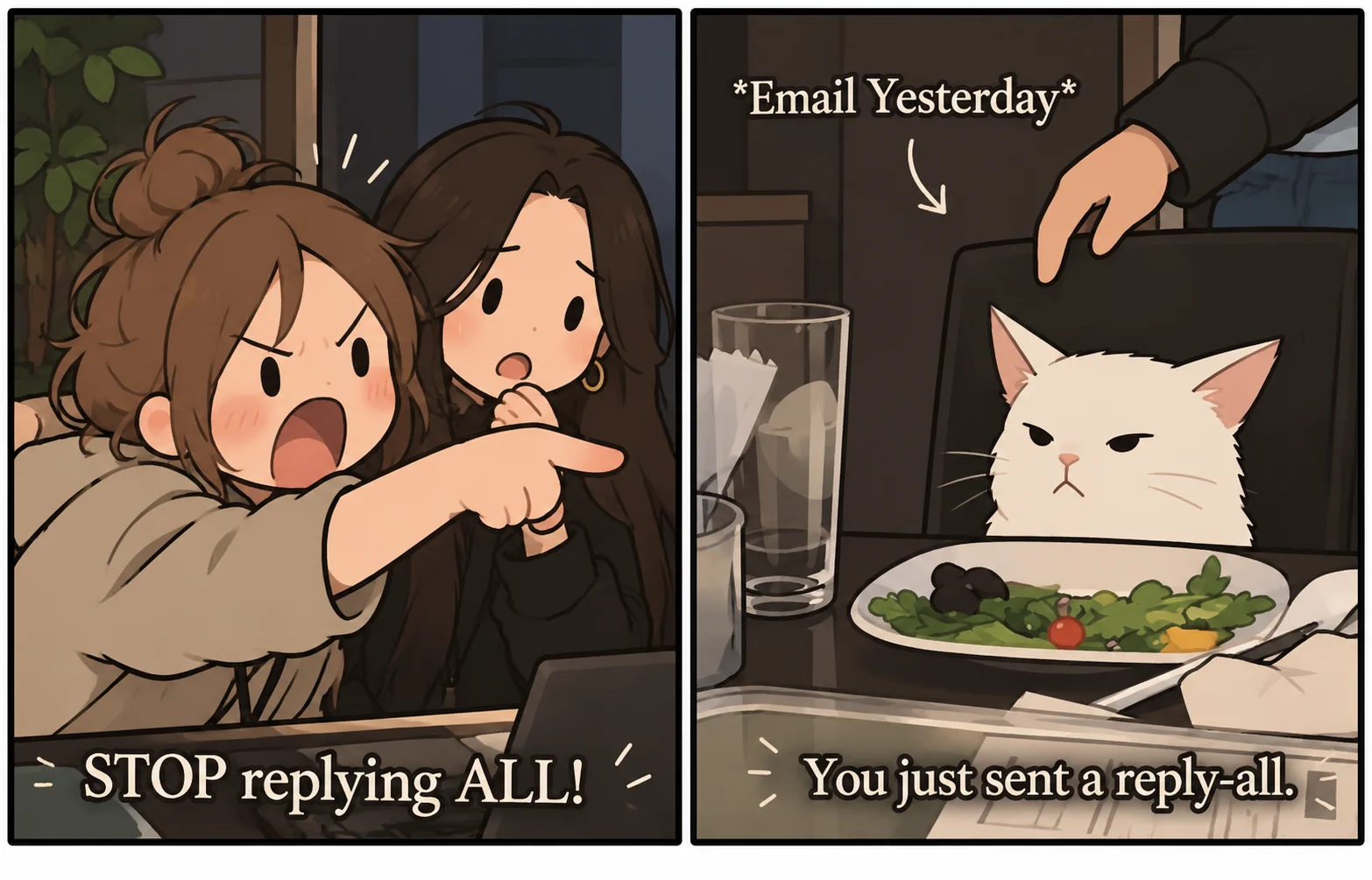
Check the message settings first. Then read for meaning and catch any spelling or punctuation mistakes. Check your wording too. Start with the mistakes your editor has already underlined. Obvious errors and typos can damage your professional reputation, particularly when there are so many that the message itself disappears behind them.
Skip slang where it doesn’t fit. Cut the fancy wording and explain any unfamiliar terms. Don’t pile on postscripts and endless updates if the important information could simply go in the body of the email.
Read it once more before sending. Double-check who you’re sending it to. Check the attachments and links too. Especially if you’ve written “Please find attached” but haven’t attached anything.
How quickly should you reply?
Sooner is better. But the right response time depends on urgency and your agreement with the client. If you can’t give a full answer during the working day, say so rather than disappearing.
When can you take a look?
We won’t get to it today. Is tomorrow OK for checking the details?
Sure, thanks. Keep me posted.
Now the client knows their email hasn’t vanished into the pile and somebody is dealing with it. If your project has agreed response times, use those.
The ground rules for messaging apps
Chat is useful for quick work questions you don’t want to stretch across ten emails. Moving all your work correspondence there is less convincing. Important messages disappear into the discussion; sometimes they get deleted altogether. If a dispute arises, reconstructing the history of agreements could be entertaining. Just not for us.
Keep important documents and formal requests in email or another agreed system. Key approvals belong there too. You need a record of the decisions.
For speed, you can also give the client a heads-up in chat:
Yep, I’ll take a look tomorrow. Thanks.
Hi Sergey, we’ve emailed the contract addendum for approval. Let us know what you think.
The default rules
- Fill in your profile. Your real name and a recognisable photo help the client know who they’re talking to.
- Don’t vanish during work hours. Keep an eye on work-chat notifications and try to respond promptly.
- Don’t bewilder clients with painfully artificial business phrases. Keep your thoughts compact and plain.
- Keep emojis and GIFs to a minimum while the relationship is strictly professional. Same goes for stickers.
- Don’t tag the decision-maker in a group chat without a good reason. Not every question needs the person with final authority.
- Check your privacy settings. Your personal mobile number doesn’t need to be visible to everyone in a work chat.
- Keep voice messages to a minimum. Text is easier to search and reread. You can forward it to the right person too.
- Don’t mix work with personal matters. Both you and the client use these apps outside work too. Keep personal matters out of work conversations.
- If you don’t yet know the answer, don’t go silent. Send a quick update while you check with the team, get an estimate or investigate. Say when you’ll be back with an answer.
- Don’t become overly familiar. It can seem harmless at first. Then the client starts treating you as an errand service for every quick little change. Informality doesn’t cancel working agreements.
When a client messages outside work hours
Don’t immediately assume they expect an instant reply. There are several possibilities:
- The question genuinely is urgent.
- They need to finish their own work today, but don’t mind when you reply.
- They want to flag the problem now so you’ll see it the next working day.
- They want an answer right now and couldn’t care less about anyone else’s working hours. Yes, those clients exist too.
How to respond after hours
First check whether it’s actually urgent and what support cover the project has. If it’s critical, involve the responsible specialists through the agreed process. You don’t have to stage a solo heroic rescue in the middle of the night.
If it can wait, replying on the next working day is completely reasonable. If you wish, briefly say you’ve finished for the day and will return to it tomorrow. You don’t need to apologise for not replying in your own time, especially if round-the-clock support was never part of the agreement.
And remember your privacy settings. The client doesn’t need a live feed of when you open your personal messaging app.
Useful tools for keeping correspondence manageable
- Schedule messages you write at night to go out in the morning.
- Pin important agreements and links so they don’t get buried.
- Send silently when you don’t want to disturb someone.
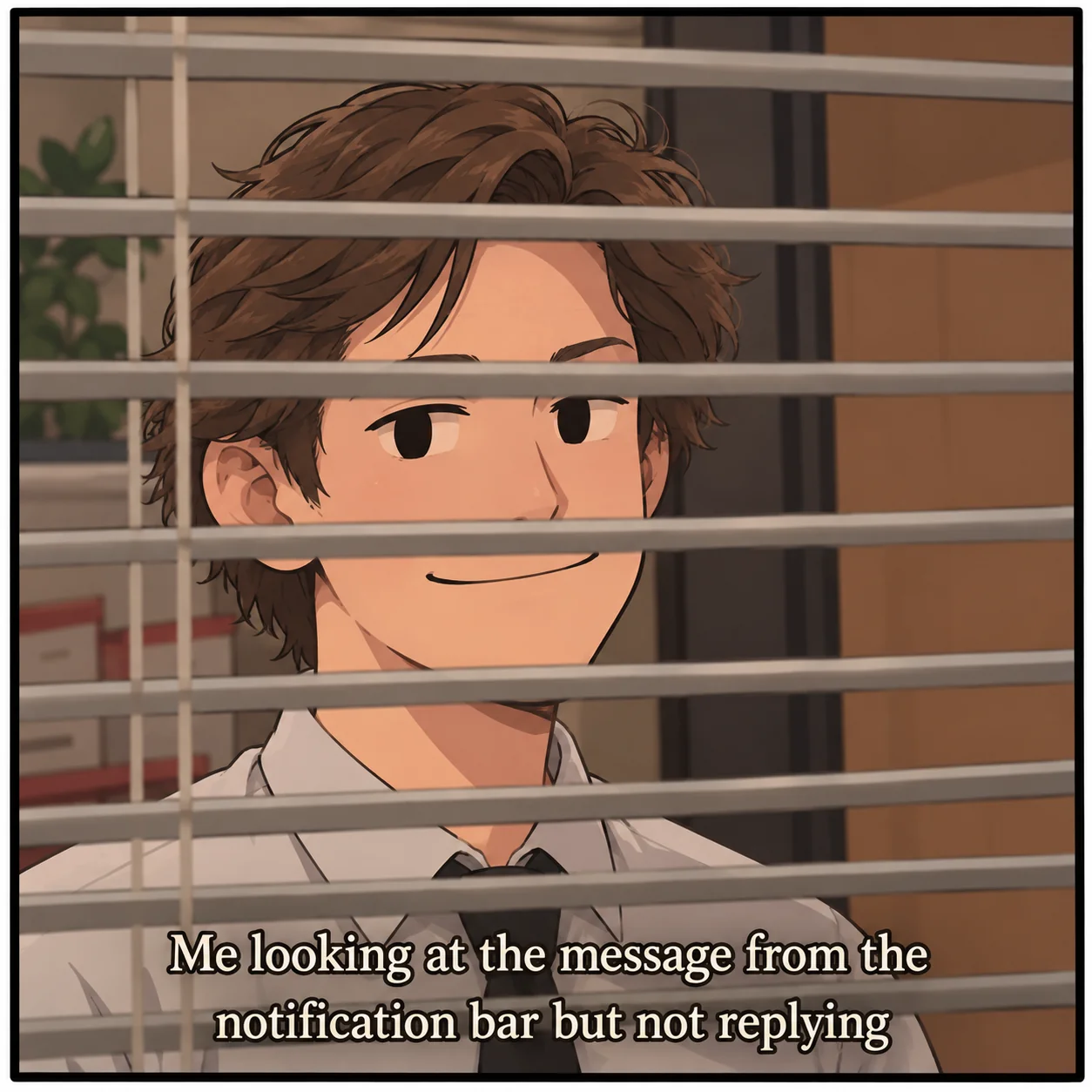
- Mark a message as unread if you need to come back to it. Then actually come back to it.
Further reading
I’m recommending just one book. It may seem obvious and occasionally blunt, but even if you know business writing etiquette and clear writing inside out, it can still make you rethink and simplify how you write to clients.
New Rules of Business Correspondence by Lyudmila Sarycheva and Maxim Ilyakhov. The book is in Russian; this is a translation of its title.

I’m a project manager. About working with russian clients and teams, sharing experience and things I’ve noticed.